
Free On-Page SEO Checker
Check how well a page is optimized for a specific keyword – title, H1, URL, first paragraph, density, images and more.
Features of the On-Page SEO Checker
Why this free tool is faster and more helpful than most tools you find on Google.
See at a glance where your keyword is found or missing.
Know if you use the keyword too little or too much.
View all H1–H4 headings to check your content outline.
Get a suggested keyword-rich slug if yours is not optimized.
Plus title length, meta description, images, links and schema.
Download the checklist for your writers.
How to use the On-Page SEO Checker
Three simple steps. Click Load Example above to see it in action first.
Enter the page and keyword
Paste the URL and the main keyword you want this page to rank for.
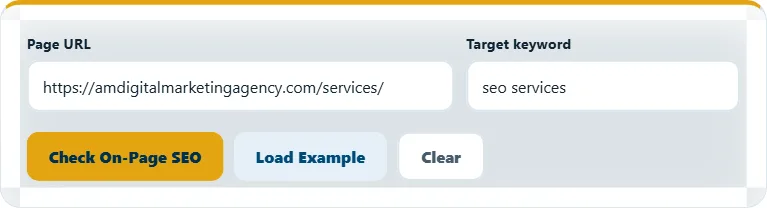
Click "Check On-Page SEO"
The tool reads the live page and checks every important place for your keyword.
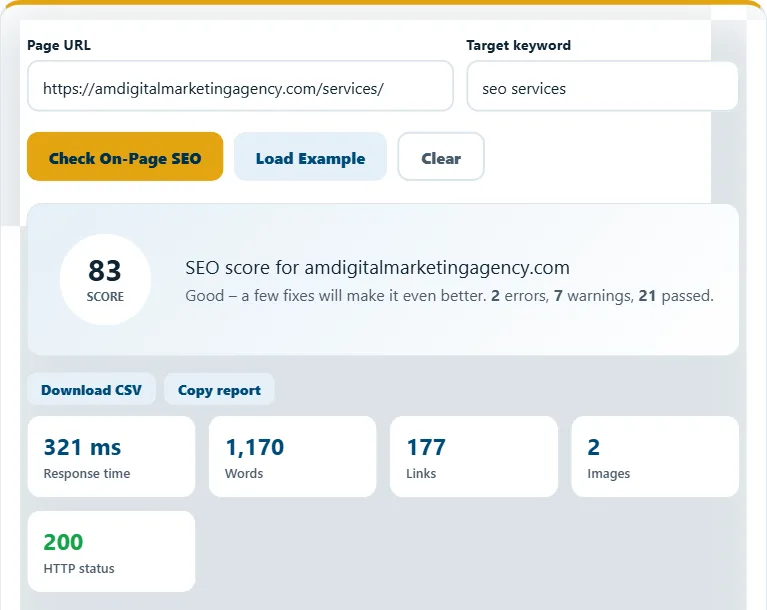
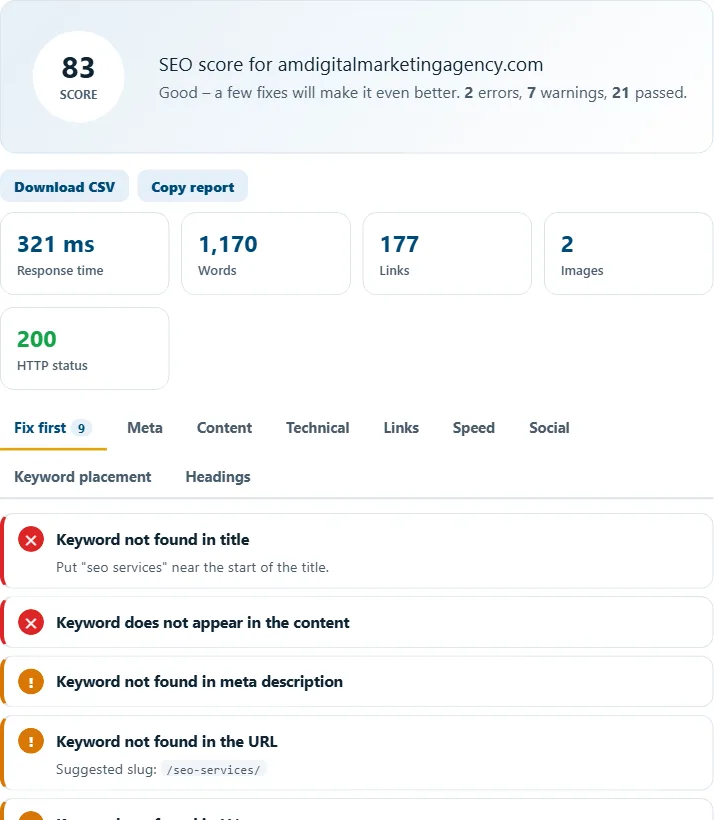
Use the keyword placement tab
Add the keyword where it says "Missing", then re-check the page.
Frequently asked questions
What is on-page SEO?
On-page SEO means optimizing things on the page itself – title, headings, content, URL, images and internal links – so Google understands what it is about.
What is the best keyword density?
There is no perfect number. Around 0.5%–2.5% usually reads naturally. Write for people first.
Should the keyword be in the URL?
Yes, a short URL that contains the main keyword is a small but helpful signal.
Related free tools
Need expert help with SEO?
Our team can audit and fix your website for you – SEO, AEO, GEO and more.