
Free SERP Preview Tool
Preview how your page will look in Google search results on desktop and mobile – updates live as you type.
Features of the SERP Preview Tool
Why this free tool is faster and more helpful than most tools you find on Google.
The Google snippet updates with every key you press.
Two previews side by side.
Shows where Google will cut your title with "…".
See how your URL path appears in results.
Copy ready-to-use title and meta tags in one click.
Test as many versions as you like.
How to use the SERP Preview Tool
Three simple steps. Click Load Example above to see it in action first.
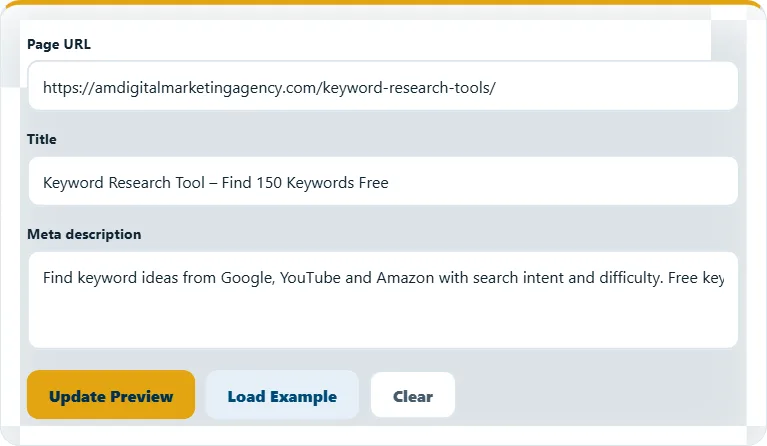
Fill in URL, title and description
Start typing – the preview appears immediately.
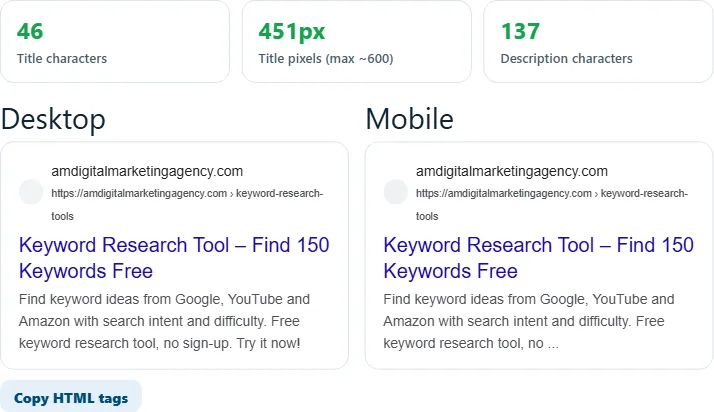
Compare desktop and mobile
Check that the important words are visible on both.
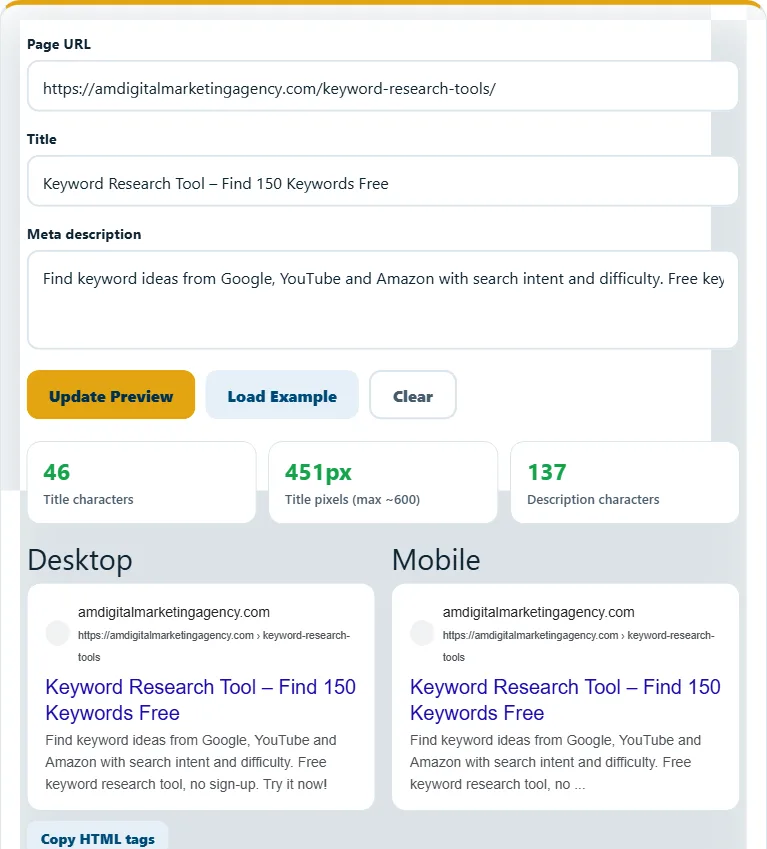
Copy the HTML tags
Click "Copy HTML tags" and paste them into your page or SEO plugin.
Frequently asked questions
What is a SERP?
SERP means Search Engine Results Page – the list of results Google shows for a search.
Is the preview 100% exact?
It is very close. Google changes its layout often and may rewrite titles, so treat it as a guide.
Why is my title cut off?
It is wider than about 600 pixels. Use shorter words or remove extra words.
Related free tools
Need expert help with SEO?
Our team can audit and fix your website for you – SEO, AEO, GEO and more.